
01
Context stays with the resource.
Move from pod health to metadata, YAML, logs, events, and actions without losing the thing you came to investigate.
Lightship
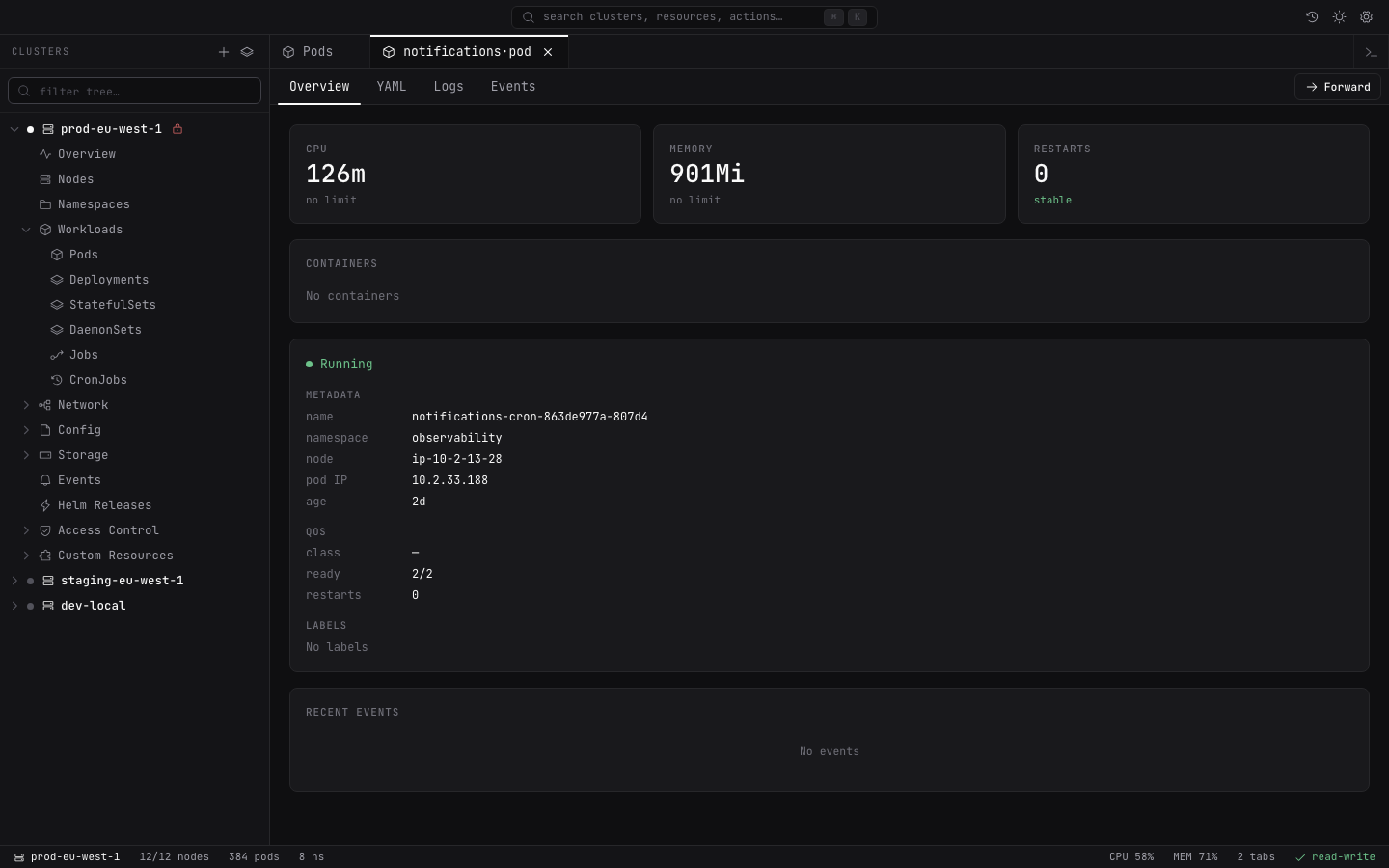
Lightship is a focused desktop client for operators who want the whole cluster close—without the cockpit overload.
Live cluster view
Pods across every namespace, in one place.
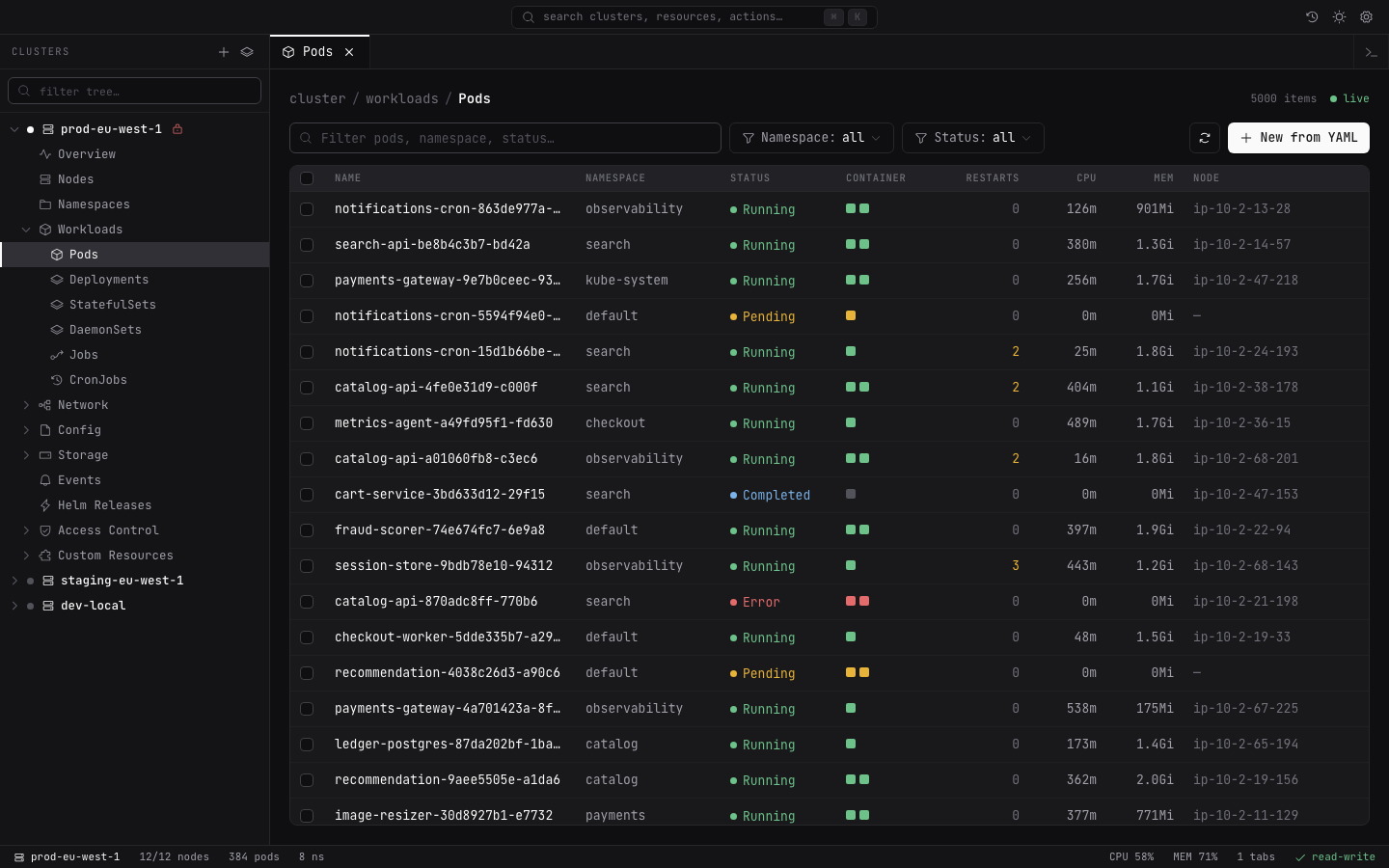
Everything in reach
Inventory, detail, signal, and action stay connected to the resource you are working on.
Move from pod health to metadata, YAML, logs, events, and actions without losing the thing you came to investigate.
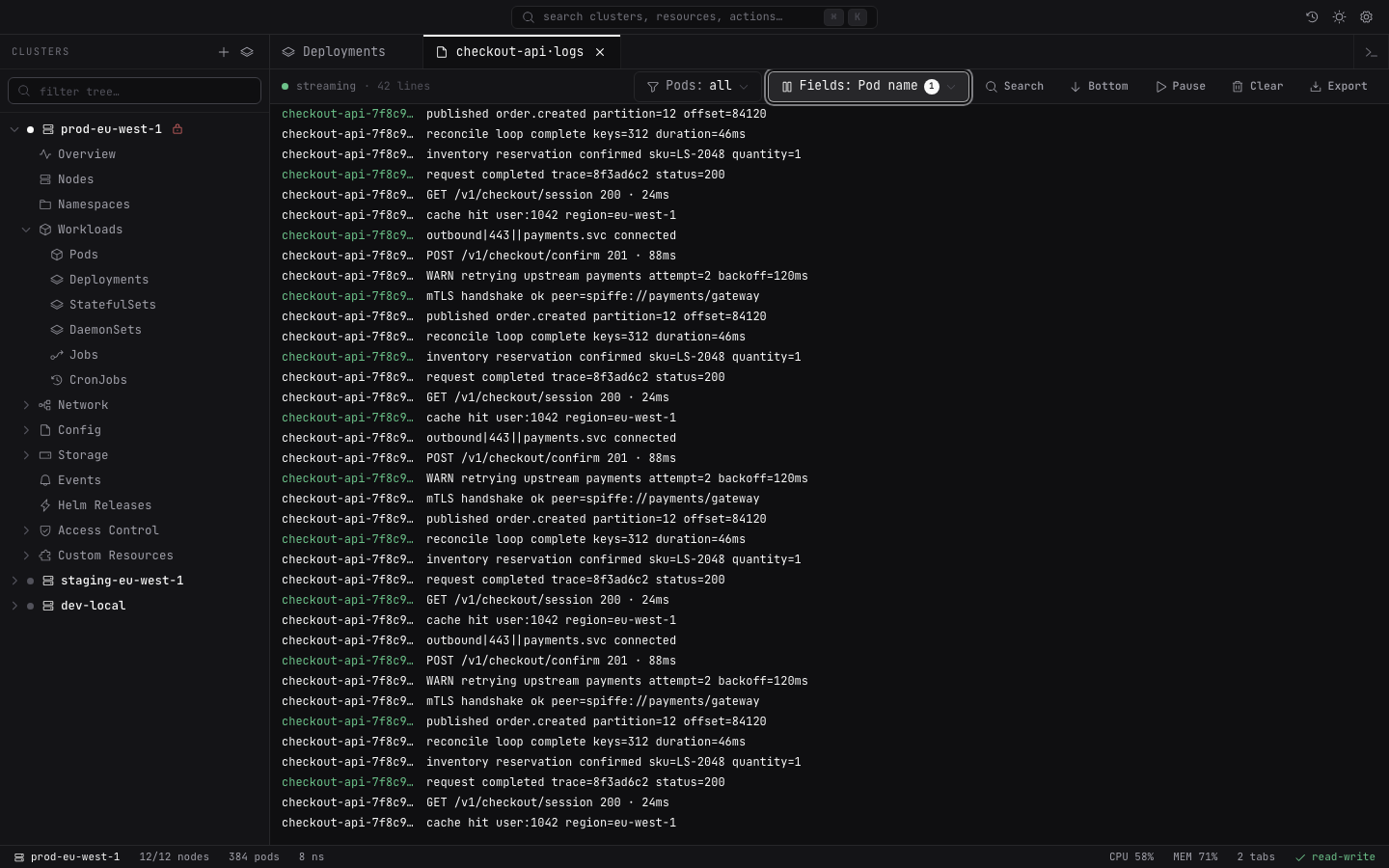
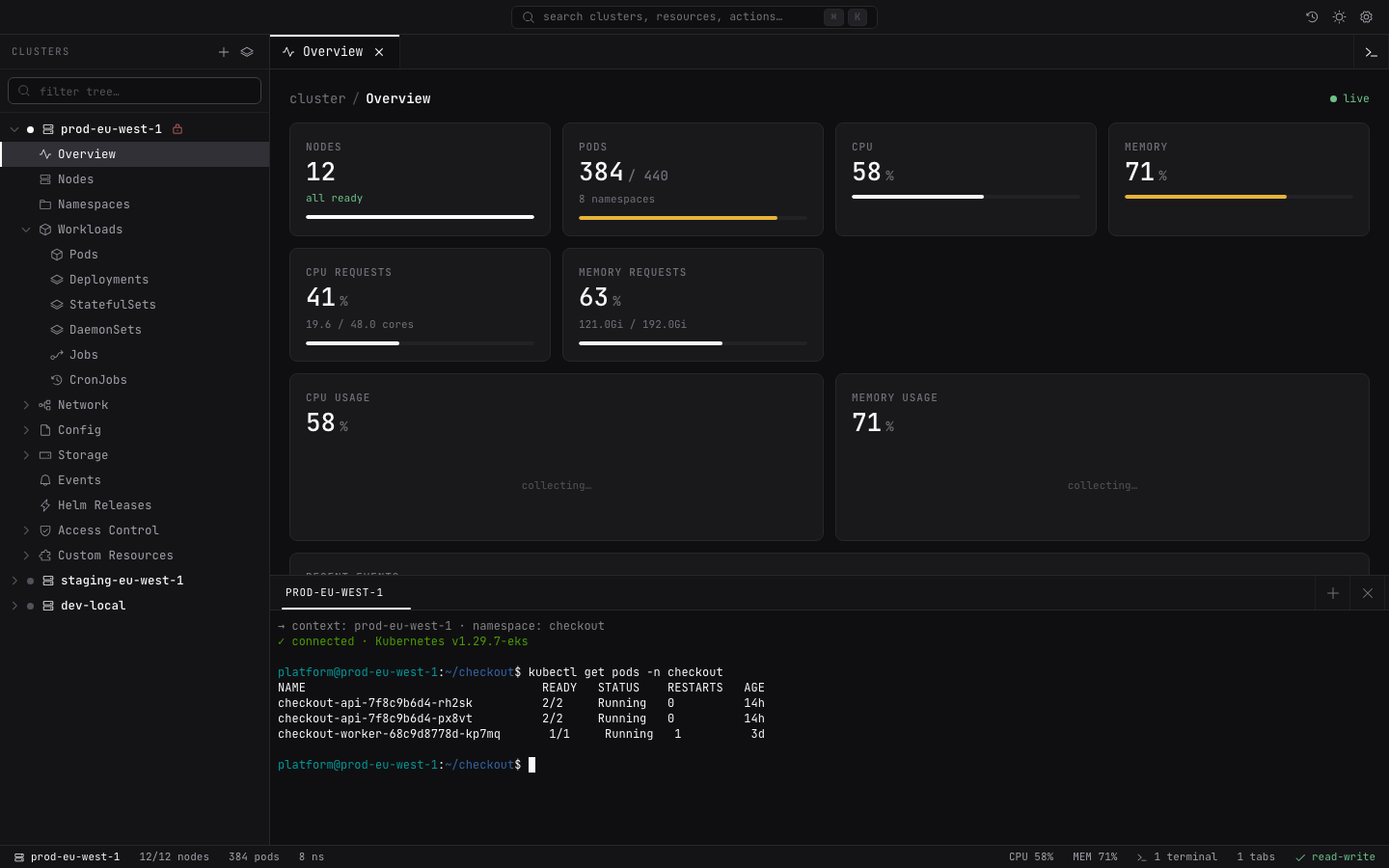
Stream logs across pods, filter noisy fields, and open a container terminal without leaving the operational flow.
Forward services, edit manifests, and scale workloads with validation, protected-resource checks, and explicit confirmations.
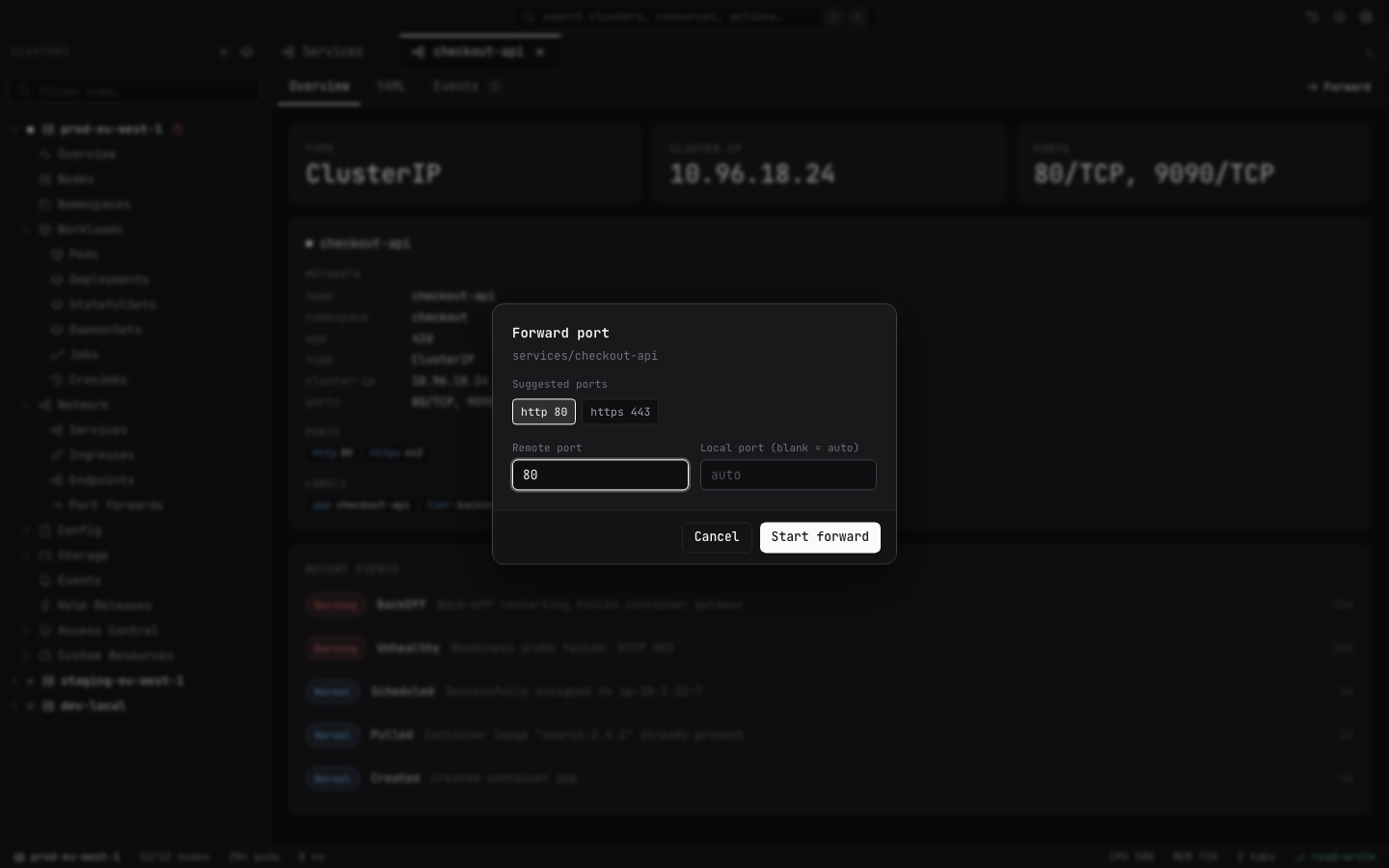
Review Helm history, inspect access control, and browse custom resources without changing tools.
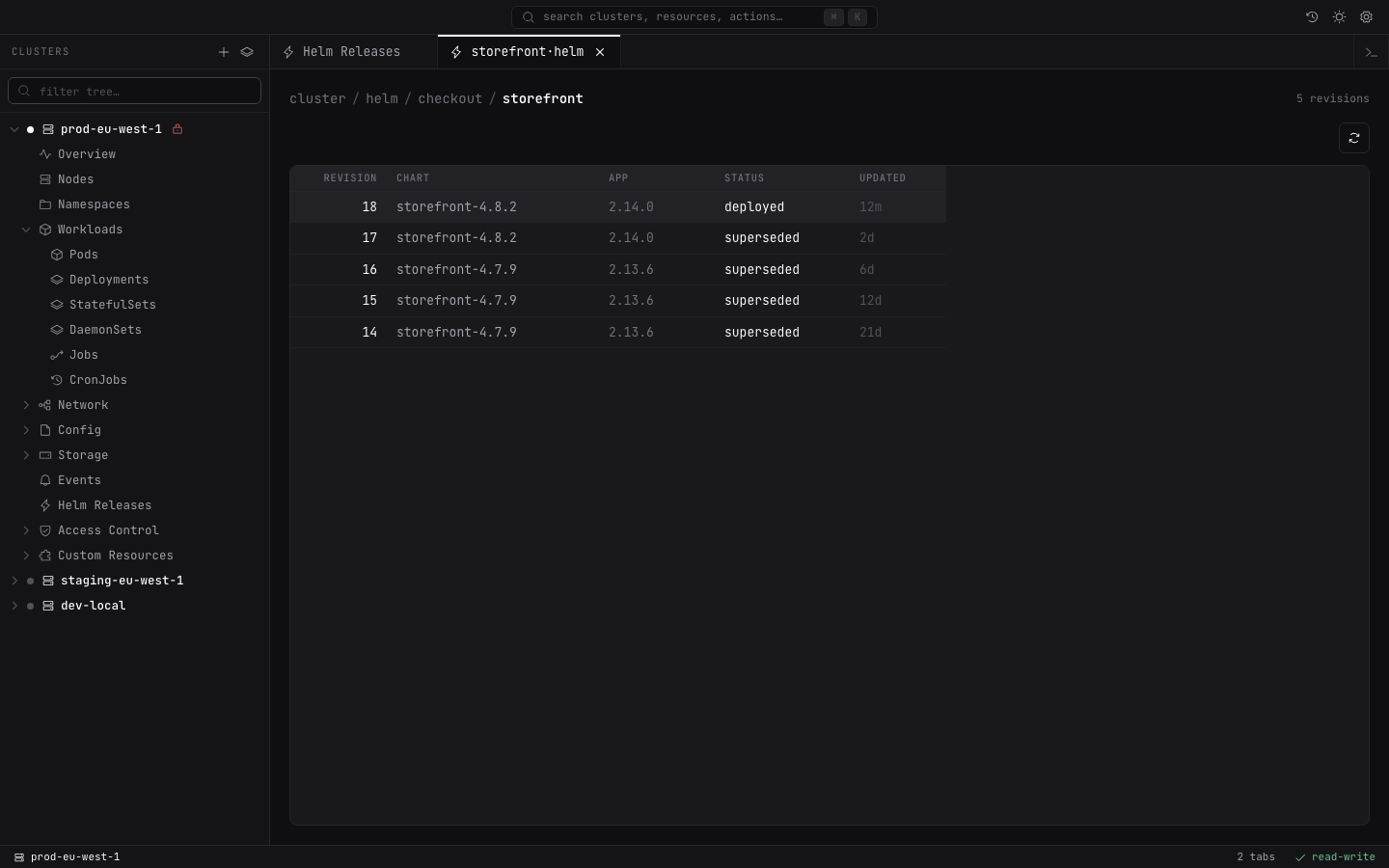
Helm release history
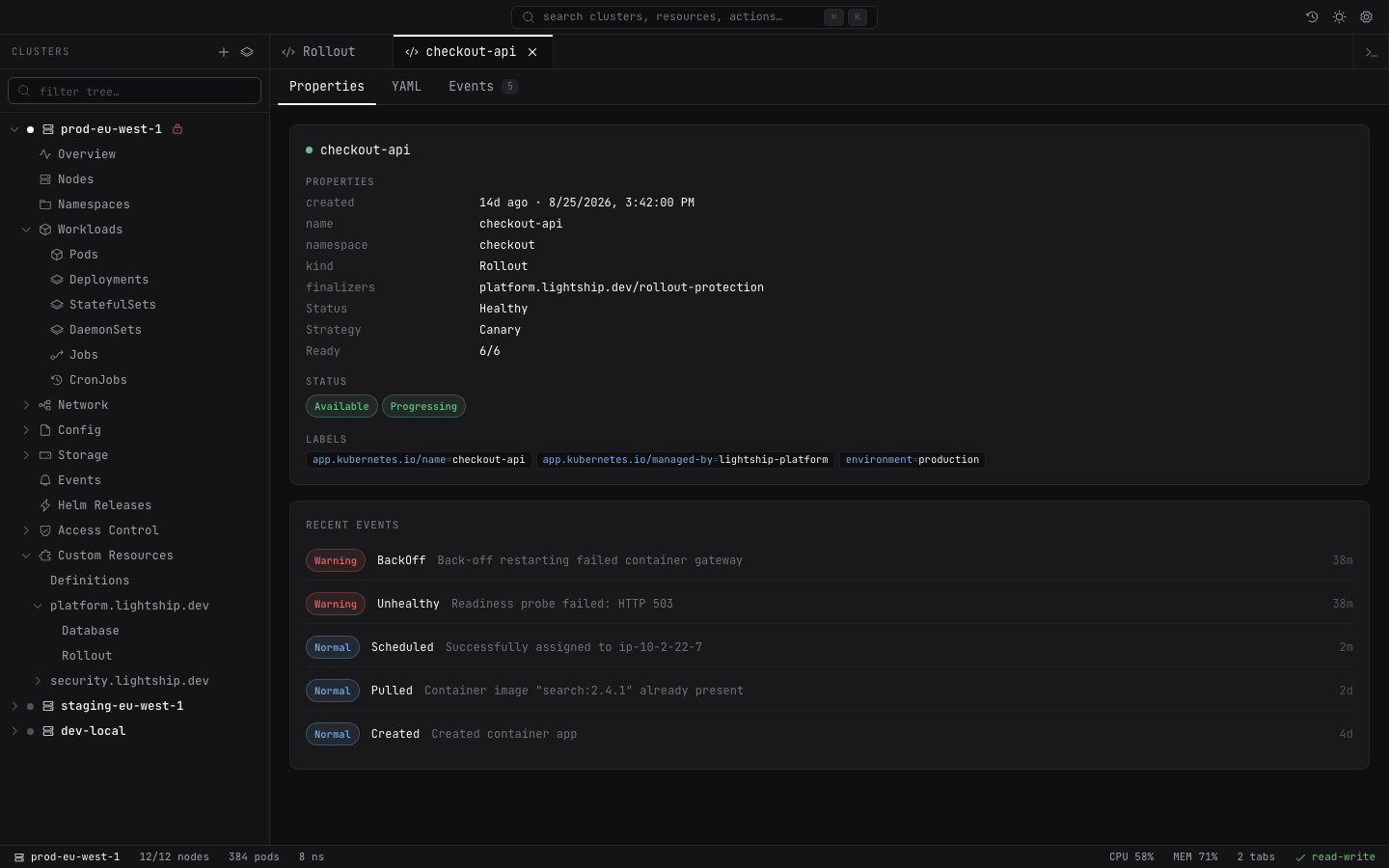
Custom resources
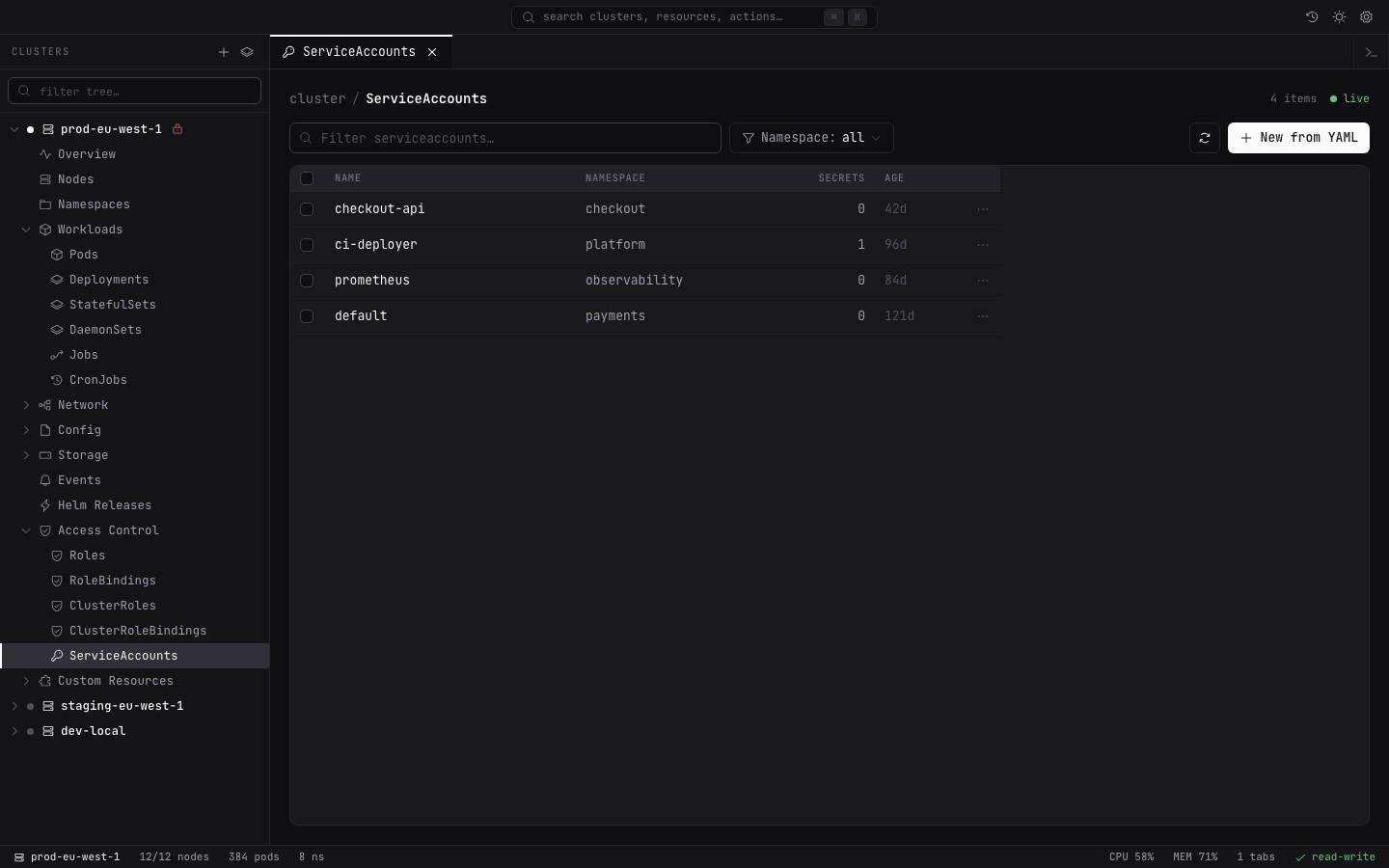
Access control
One surface
Move across resources and namespaces without assembling a browser full of dashboards.
Keyboard ready
Search, navigate, and act from a compact interface that keeps routine work moving.
Locally accountable
Review and export an activity history of cluster mutations from your own machine.
Product gallery
Generated from fictional fixtures. No kubeconfig, live cluster, addresses, or credentials are present in these images.
Run it from source
Lightship uses the contexts and permissions from your existing kubeconfig. Saved credentials are reduced per cluster and encrypted through your operating system's secure storage.
$ git clone https://github.com/pintlehq/lightship.git
$ cd lightship
$ pnpm install
$ pnpm dev

✓ Lightship is readyFrom Pintle
Lightship is our first release: a focused desktop interface for the Kubernetes work that happens every day.
Explore Lightship